


2024 National Convention & Raffle
Branded NATRC Products
Shop For NATRC Branded Products
Come Ride With Us!
Since 1961, we’ve helped riders of all ages learn the sport of competitive trail riding. Alongside other equine enthusiasts, you can deepen the relationship with your horse while learning new skills and setting your own competitive goals. There’s no place better to do this than on the open trail.
We invite you to come ride with us today!
About NATRC

What is NATRC?
The North American Trail Ride Conference (NATRC) is the premier competitive trail riding (CTR) organization in six regions across North America.
What is CTR?
CTR is a distance sport competition over a measured trail that is completed within a window of time. It is a great family activity because it is open to riders ages 8+ and all equine breeds.
What are the benefits?
New riders receive their first year with NATRC free! Advantages of membership include reduced ride fees, award eligibility, discounts with our sponsors and partners, and a quarterly subscription to our Hoof Print newsletter!
What it's all About
Here’s a short introduction video about NATRC competitive trail riding. From maps, to veterinary and horsemanship judging, to camping alongside your horse, plus competitive challenges and just plain fun, you’ll see - we’ve got it all!
Member Testimonials
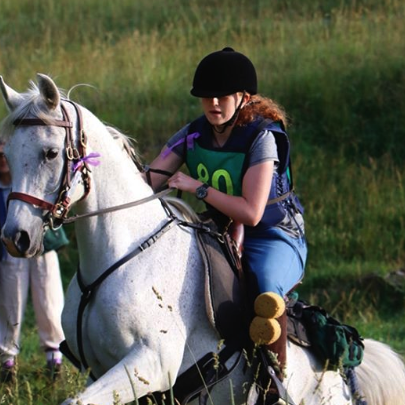
Had an awesome time at my first NATRC ride. Able and I went 21 miles in one day and he was ready for more.
Laurel P
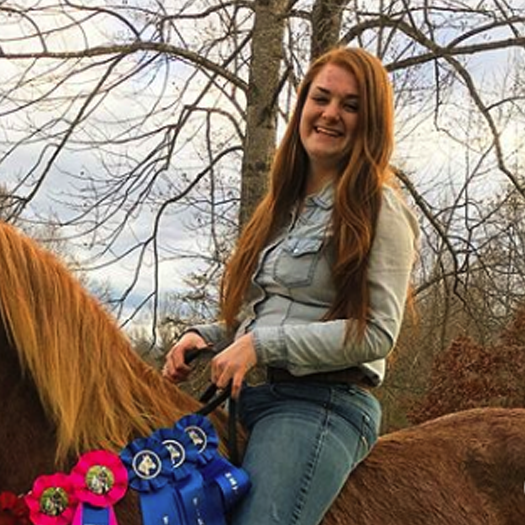
I am blessed beyond measures with this amazing horse, incredible mentors, and my supportive family.
Mikayla Nunn
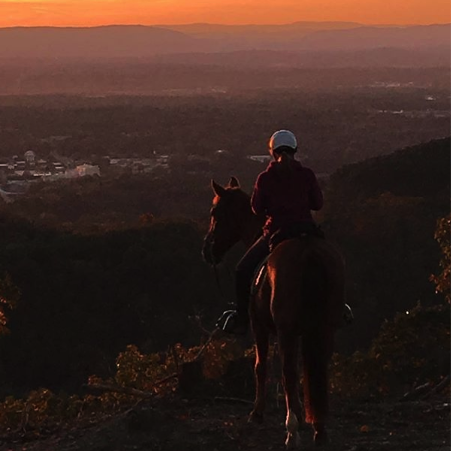
Had a blast at Carolina Derby. 40 miles of wilderness!
Jami Hughey Sullivan
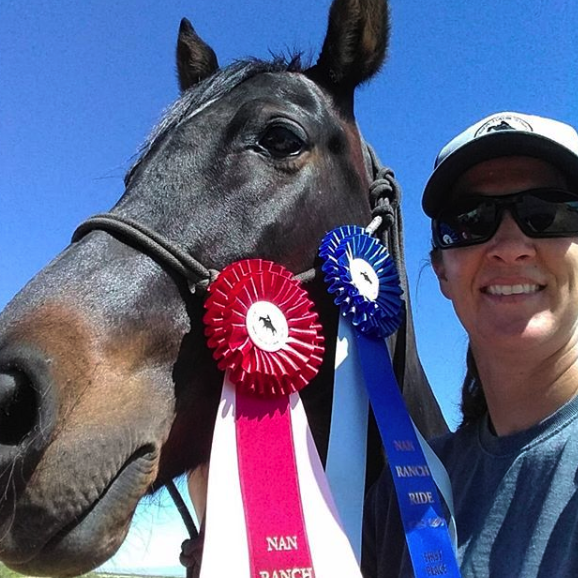
Lots of fun people, trails, and obstacles! It was a extremely well organized event and the trails were marked excellent. The judges were fun and very helpful in answering any questions. Came home with having new friends and what I need to work on in my horsemanship and with my horse.
Crystal
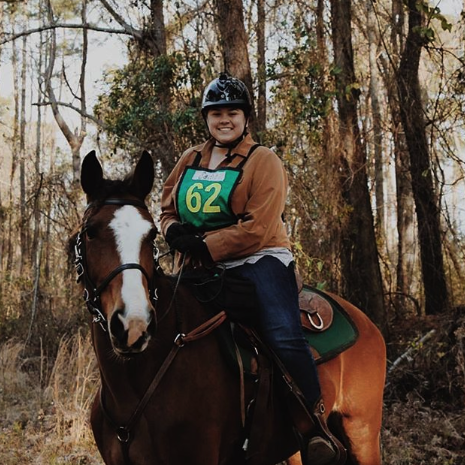
The fun I had, the amount I learned, and the training to come was so worth the weekend!
Sadie Smith
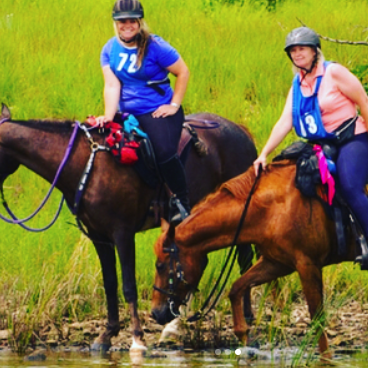
People ask what the best year of my life was.. it was 2012, the year I got to spend riding with my mom.
Marcy Kristine
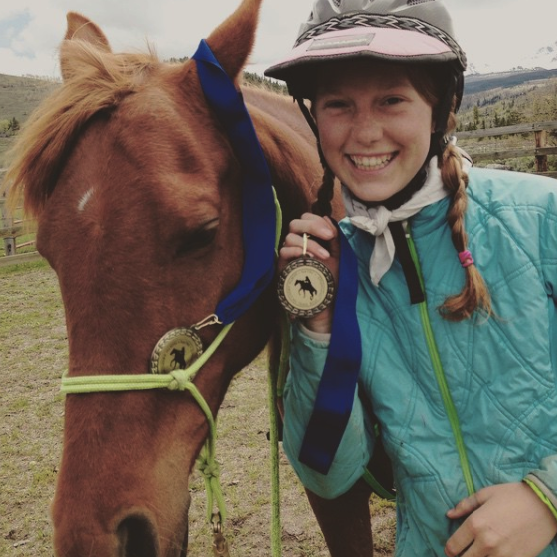
I am so grateful for all the friends I've made at NATRC and all the people who have helped us! I am unbelievably lucky to have such a great horse and can't wait to see what we can accomplish in the future!
Tori Ware
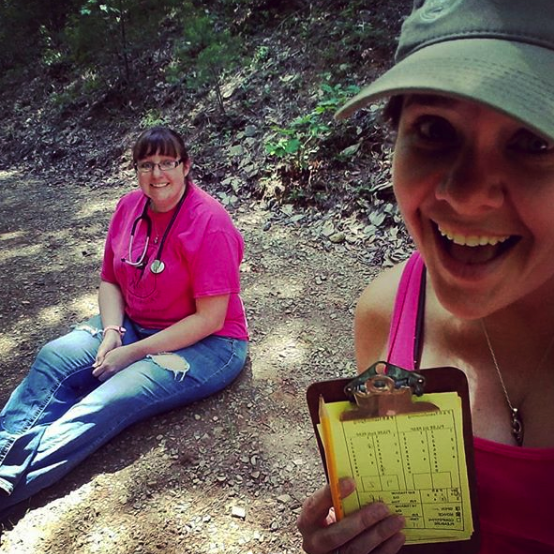
Volunteering helps the soul. Sister time is priceless. NATRC P&R Team.
Melissa Yopp
NEW MEMBERS ARE FREE FOR A YEAR!
Join NATRC as a new member today, and you’ll experience your first year of membership for free! Enjoy many great member benefits and we’re convinced that once you’ve tried CTR, you’ll see a difference in your riding and your relationship with your horse.
Although it’s a competitive sport, it’s not only about keeping yourself challenged or achieving awards, it’s about comradery and building friendships with fellow riders who enjoy riding as much as you do.
NEWS AND EVENTS


Our Sponsors


National Convention Sponsors
Diamond Level
AERC, The Distance Depot, Riding Warehouse, Specialized Saddles
Gold Level
Chiggerville Farm, Top Trail Horse
Bronze Level
Cheryl Jarrett, Robin Kelly - The Leanor, Bill & Lise Morgan - Foxhaven Farm Collies, San Juan Valley Trail Riders, Bill & Diane Wingle, Zia Anglers

Our Partners
Partner Publications